Making Sense of Everyday Tech
A mental model to remove fear and build confidence. Stop memorizing instructions and start understanding where you are.
Start Learning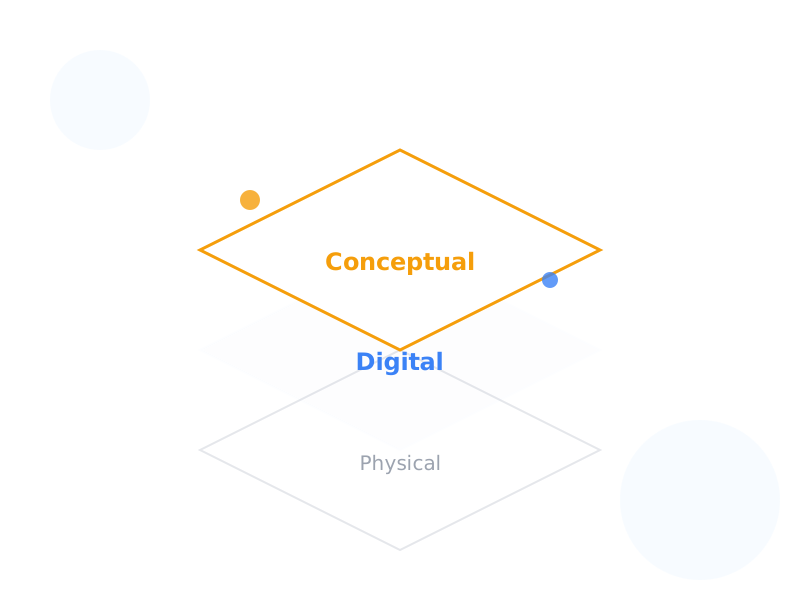
The Core Principle
Containers & Labels
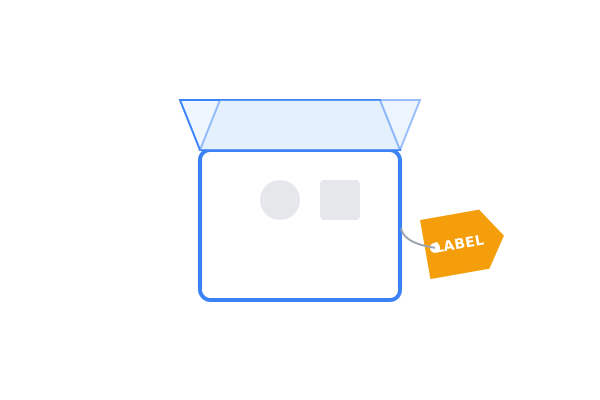
Everything in technology is a container with a label. Containers hold things, and labels identify them. If you can name the container you are in, you are not lost.
Layers Stack
Technology is built in layers. Device → OS → App → Platform. You are always inside one specific layer. Problems happen when you confuse which layer you are interacting with.
Orientation First
Most "technical" problems are actually orientation problems. Before asking "how do I fix this?", ask "where am I?". Orientation creates confidence.
Three Levels of Understanding the Framework
Theoretical: The Invariant Structure
Rule 1: All things are labels and containers.
- Containers can be physical (a phone), digital (a file), or conceptual (a universe).
- Labels give containers identity and addressability.
- This model is invariant: it applies to everything from a file folder to the human body.
- Key Insight: Knowing the structure tells you where you are. Just like knowing what floor you are on in a building.
Example: A database is just a spreadsheet with stricter rules. Tables are sheets, rows are records, columns are fields.
Practical: The Layer Stack
Rule 2: You are always inside a specific layer.
Technology isn't a single "thing". It's a stack of containers. Moving between them creates and destroys instances.
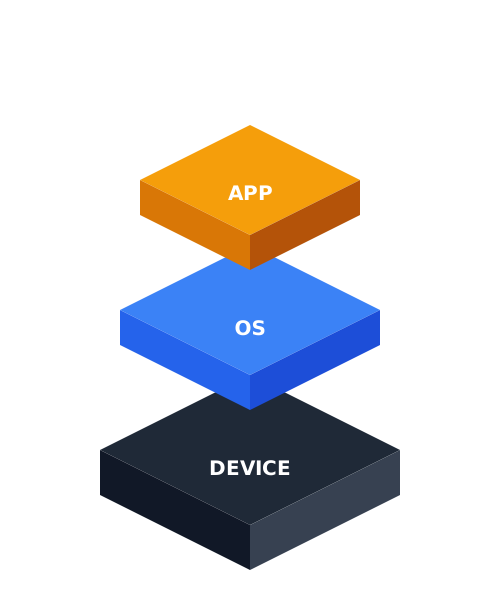
Hover over the layers to visualize the stack.
Applied: Situational Awareness
Rule 3: If you know your layer, you know your capabilities.
Skill #1: Where Am I?
Say your stack out loud: "I am on my Laptop, in Windows, using Chrome, logged into Google, editing a Sheet." Confusion drops immediately.
Skill #2: Fix the Smallest Box
Troubleshooting Ladder:
- Refresh Page (Smallest)
- New Tab
- Restart App
- Restart Device (Largest)
Always repair the lowest possible layer first.
Real-World Analogies
The Mail System
Internet routing is just like mail routing. Country → City → Street → Building → Apartment → Person. If you understand how a letter gets to a house, you understand how an email gets to an inbox.
The Workplace
Computer file systems are like a company org chart. Company → Department → Team → Role → Person. Folders are just departments holding specific files (employees).
The Library
A database is a library moving at computer speed. Library → Floor → Section → Shelf → Book → Chapter. Structured, labeled, and addressable.
Databases Demystified
A database is NOT a scary black box. It is simply a container with stricter rules than a spreadsheet.
| Database Term | Spreadsheet Equivalent | Description |
|---|---|---|
| Table | Sheet / Tab | A main container for a specific type of data (e.g. "Customers"). |
| Column | Header / Field | Defines what kind of data goes in (e.g. "First Name"). |
| Row | Record | A single entry (e.g. one specific customer). |
| Primary Key | Unique ID | A strong label that ensures every row is distinct. |
Same mental model — just more structure.
Interactive Slide Lesson
Summary: The 3 Rules of Tech
Rule 1: Name the Box.
Everything is a container with a label.
If you can name the container you are in, you are not lost.
Rule 2: Know Your Layer.
You are always "inside" something.
Device > OS > App > Platform > File. Be aware of where you are.
Rule 3: Fix the Smallest Box First.
Don't restart the computer
(Device Layer) if you just need to refresh the page (Document Layer).
Orientation = Confidence.